
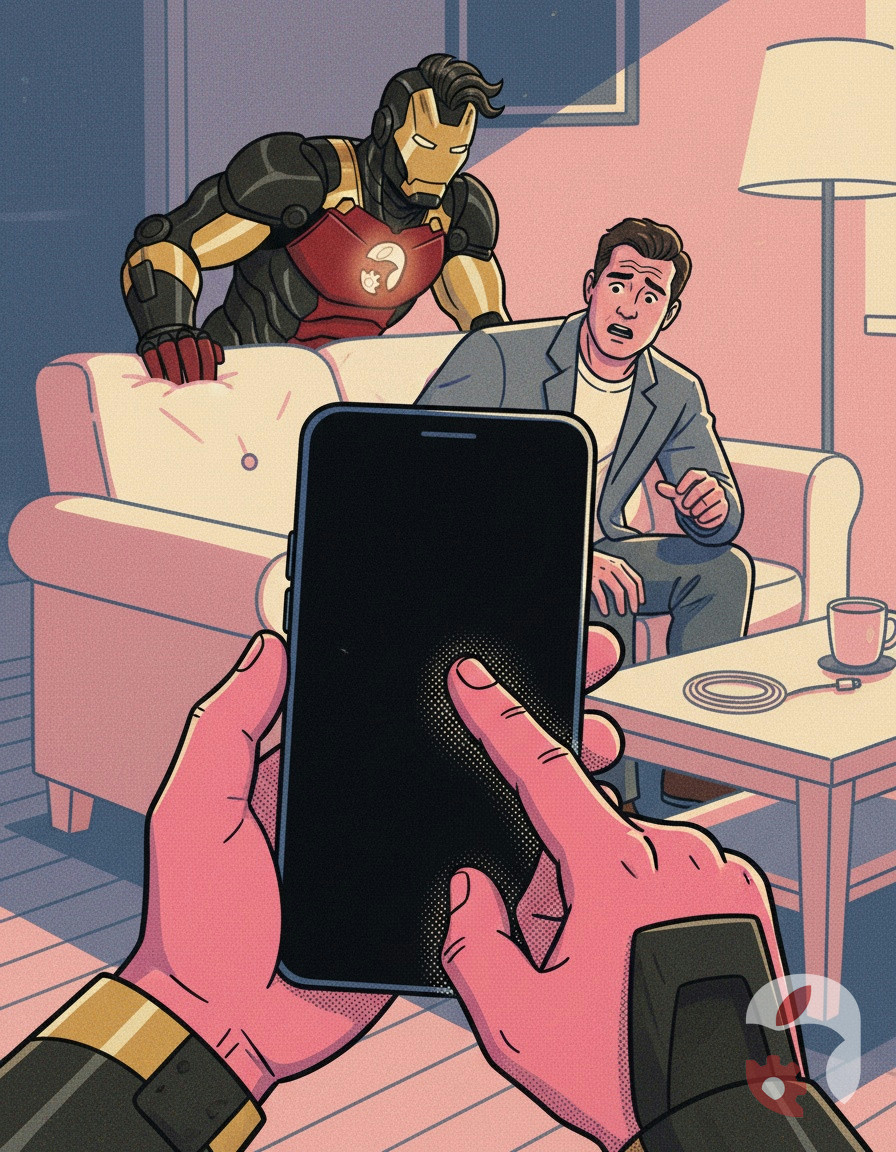
At first, the person taps the screen like a woodpecker, shakes the phone, and mentally prepares to hear a diagnosis worse than it actually is.
Meanwhile, the technicians have three tricks in their arsenal that they use themselves. It's not really customary to say them out loud: after such advice, half the customers turn around and leave without ever crossing the threshold. But we're not greedy.
Level one is the most obvious. A forced restart. On modern iPhones without a Home button, that's a quick press of the volume-up button, then volume-down, then a long hold of the side button until the screen goes dark and the logo appears. It sounds like a dance, but it works like a switch. If the phone thinks it's on while the screen is black and dead, this sequence brings it back to its senses. With a Home button, the procedure is different, but the idea is the same: don't jab, hold in the right order.
Level two is silence and waiting. Sometimes a smartphone looks switched off after a full discharge. In reality, the battery has gone into a deep protective sleep, from which it's brought out not by plugging in the charger, but by time. Connect a working cable, let the device sit quietly on charge for about twenty minutes, and only then try to turn it on. On the newest models, a "corpse" after a deep discharge responds slowly to a live charge — and that's normal, not a fault.
Level three is cold combined with a restart. Overheating doesn't just cut performance; it can also cause a software freeze. Let the phone cool down to room temperature, then run the same forced-restart sequence. In hot weather or after long navigation, this method clears a minor software glitch in every second device.
If after all three levels the screen stays black and lifeless — now that's interesting. When the hardware answers only with silence, diagnostics at the workshop stop being a formality and turn into a real investigation. Which, by the way, doesn't take long either.