
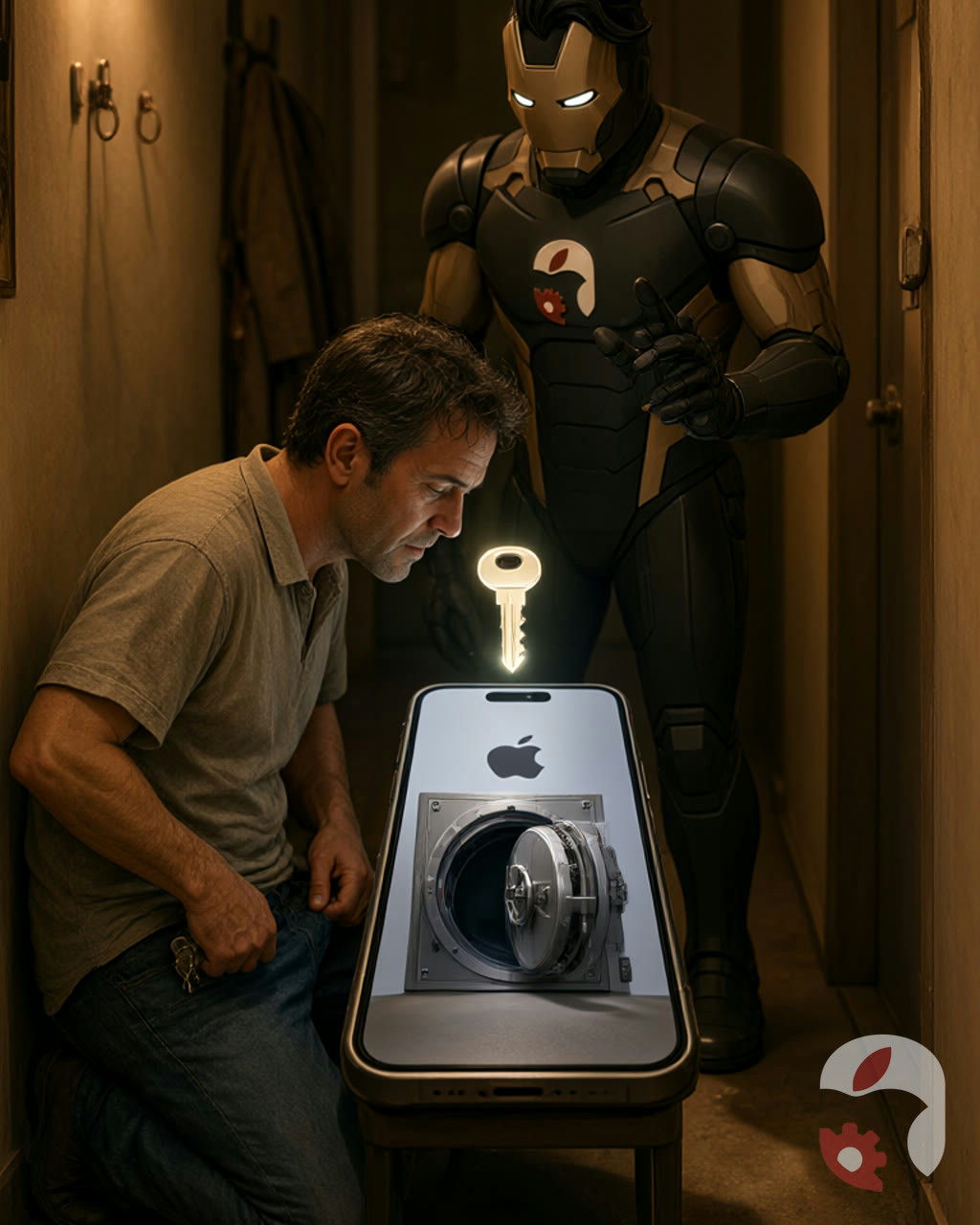
Every time a technician takes an iPhone in for repair, somewhere at the edge of the universe a nerve quietly twitches in the person who can't remember the password for their local backup. Not because the technician is scary. But because that password is the only key to a small safe where the phone has spent years storing the most personal things.
A local backup on a computer is not just a pile of files. If it is encrypted, it contains things an ordinary backup does not: saved passwords, Wi-Fi settings, browsing history, health data and the call log. In essence it is not a holiday photo reel but a complete cast of a digital life. And it is locked with a password you came up with yourself — the moment you ticked the box marked Encrypt local backup.
Then the interesting part begins. Turn on encryption once and every subsequent backup on that computer is created encrypted automatically. The system does not ask again, does not remind you, does not send postcards. The password simply vanishes from your memory one day, because we usually hide the spare keys to our safes altogether too well.
And then comes the day the phone needs to go in for repair. The technician asks for a backup — in case something serious is ahead. The backup will not be created. Or it is created, but when you try to restore it, it asks for that very password. That is when it turns out that a local backup stores not only app passwords but also your confidence in tomorrow. Its password cannot be reset via a "forgot password?" link — Apple does not keep it.
You can check whether a backup is encrypted right on the computer: in Finder on a Mac, on the General tab, a padlock icon appears next to the device name. It is worth glancing at it in advance, before visiting a service centre. If the padlock is there, write down the backup password and put it somewhere you will find it even in two years, when you will have far more pressing things to do than searching. A good and reliable option, by the way, is to write it in notes that sync to iCloud.
At our workshop we have seen a single password turn a simple screen replacement into a small detective story. Restoring the phone and keeping the data is almost always possible if the backup password turns up. But if it stayed in that same "reliable" head — then the conversation is longer. So the golden rule before any repair: sit down at the computer, check the padlock, remember the password. Better to lose ten minutes today than ten years of photos and notes tomorrow. Let the phone go into the technician's hands, and not your memories into thin air.