
While some people watch the wear percentage in Settings, others notice trouble earlier: the phone starts living a life of its own. It shuts down in the cold at an honest 30%, turns into a hand warmer in the heat, and spends more time on the charger than off it. All of this is the language in which a battery says: I am tired.
The first and most visible sign is the charge jumping. It was 100% in the morning, 70% by lunch, then 12% an hour later and the phone switched off. The battery graph in Settings looks like a rollercoaster. This is not a controller glitch but classic lithium cell degradation: the controller simply stops understanding how much energy is really left inside.
The second warning is heat with no cause. The device is lying on the table doing nothing, yet its back is as warm as after a session of gaming. It means the battery's internal resistance has risen, and even simple background processes make it work under strain, turning energy into heat instead of useful amp-hours.
The third sign is a body that has swollen a little. Putting an iPhone face down on a flat table and looking at the gap between the back and the surface can tell you more than the settings screen. If there is a barely noticeable wobble or a slight curve to the body, the battery has started producing gas. That is no longer about battery life, that is about safety.
And finally, the most insidious symptom: a sharp drop in performance. A phone can stutter in animations not because it is “old”, but because peak power runs into sagging voltage. The battery no longer delivers energy in bursts, and iOS gently limits the hardware so that the device does not shut down halfway through a task.
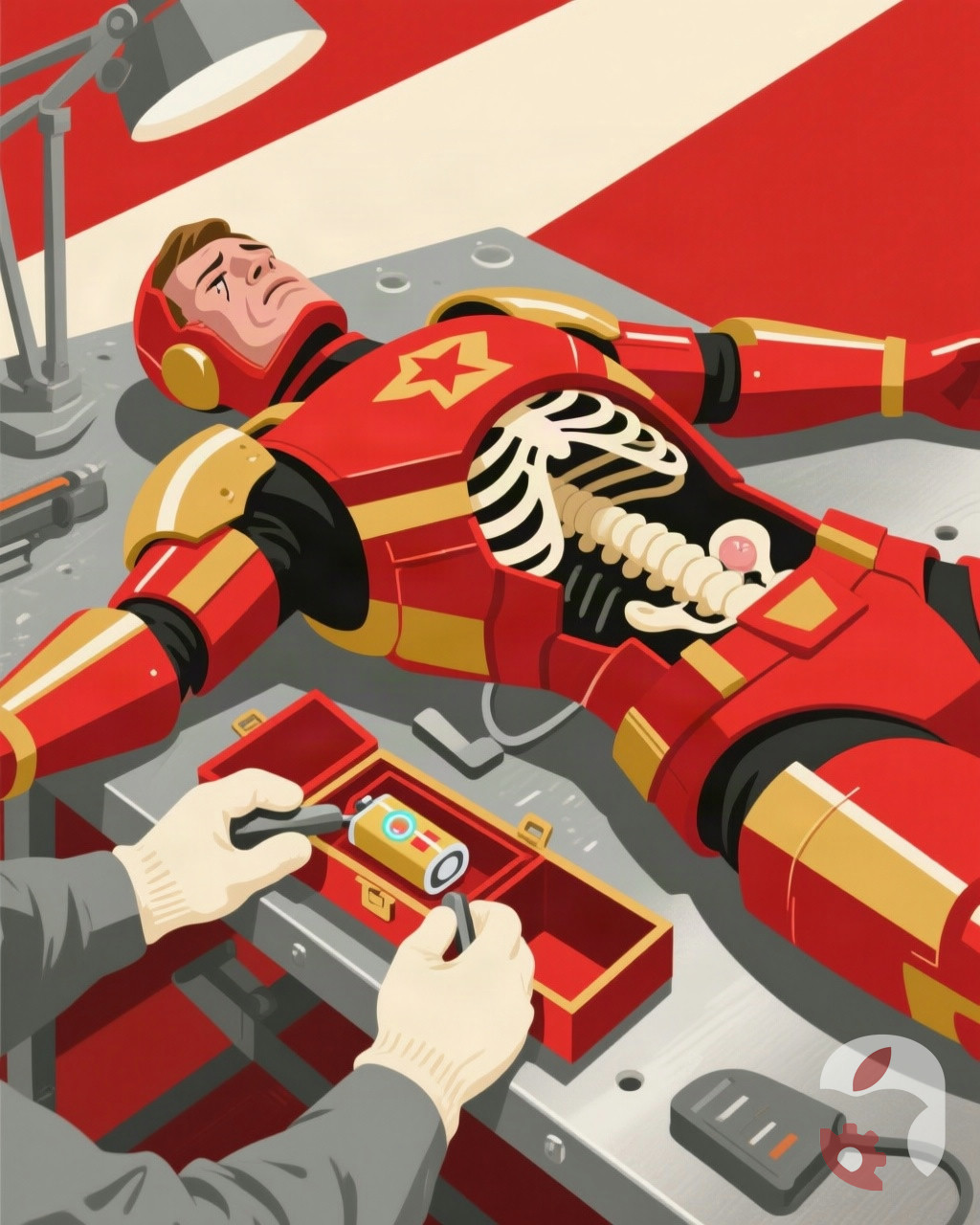
Helping an iPhone breathe evenly again takes one visit to a technician who opens the case properly, without tearing flex cables, and fits a fresh battery with a verified cycle count. Half an hour, and the phone is predictable again.